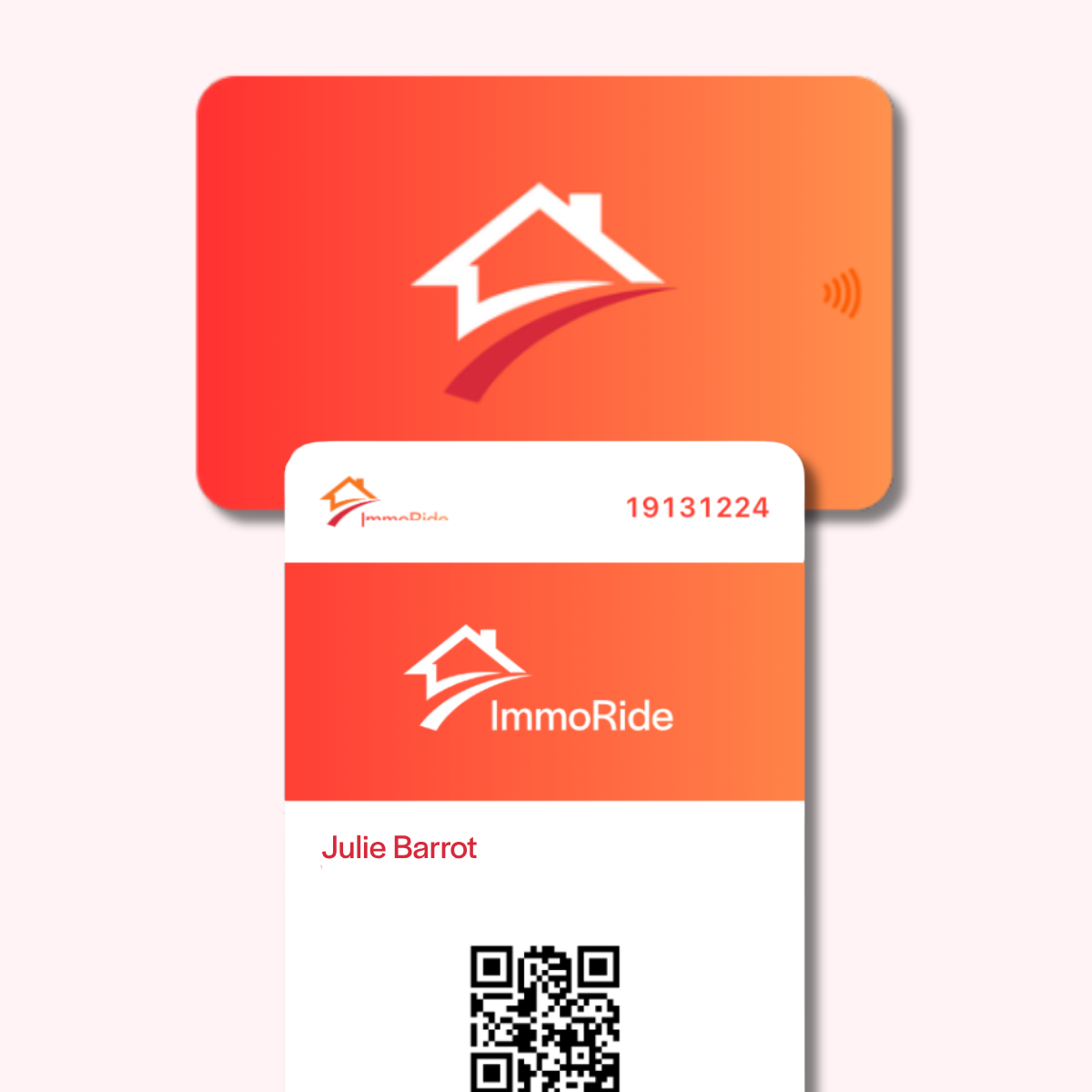
Digital business card

Your business card on Apple Wallet and Google Wallet

Add your digital business card to Apple Wallet or Google Wallet and share it in seconds, directly from your smartphone.

Create my Wallet card

Add your WEMET card to your Wallet

Add your digital business card to Apple Wallet or Google Wallet and keep it with you at all times.

Always ready to share

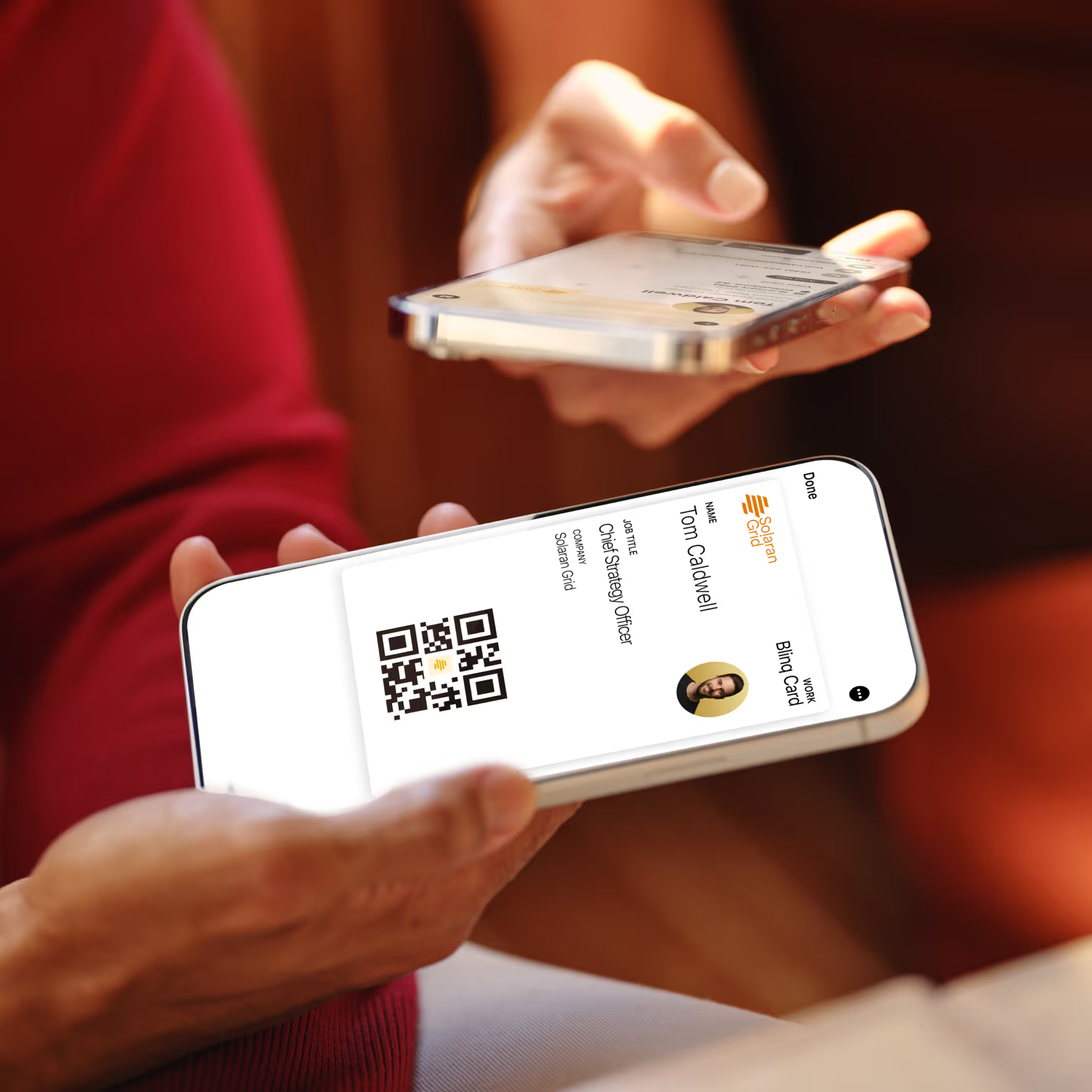
Find your card directly in your Wallet and display your QR code in seconds to share it.

Simple for your contacts

The person you're sharing with doesn't need to download any app: they simply scan your QR code and can save your contact details directly to their phone.

Your card in your Wallet in 3 steps

1.

Create your card on the WEMET app

Create and customize your digital business card directly from the WEMET app.
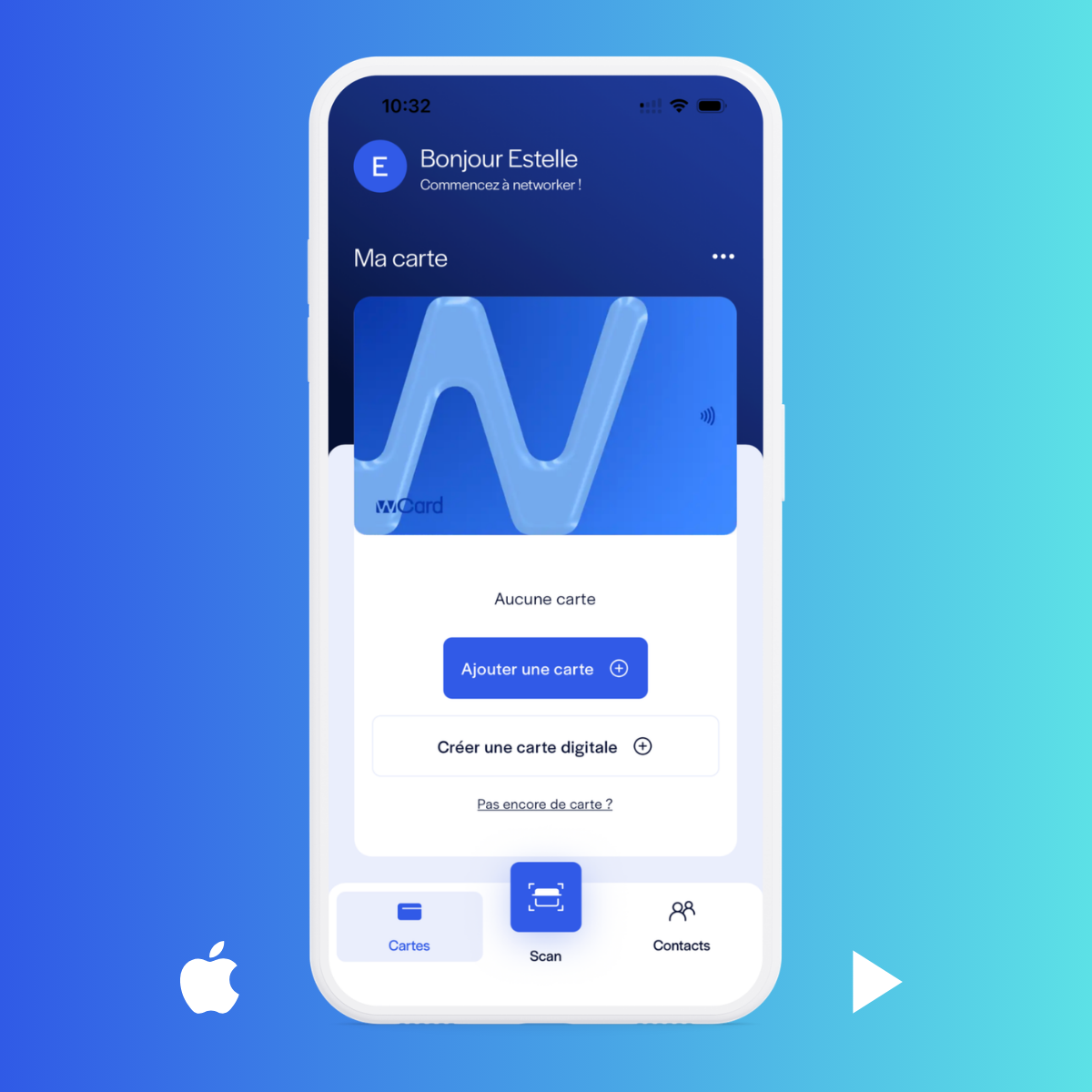
Étape 1 : création de la carte de visite dans l’application WEMET
2.

Add your card to your Wallet

Add your card to Apple Wallet or Google Wallet in one click to keep it always at your fingertips.
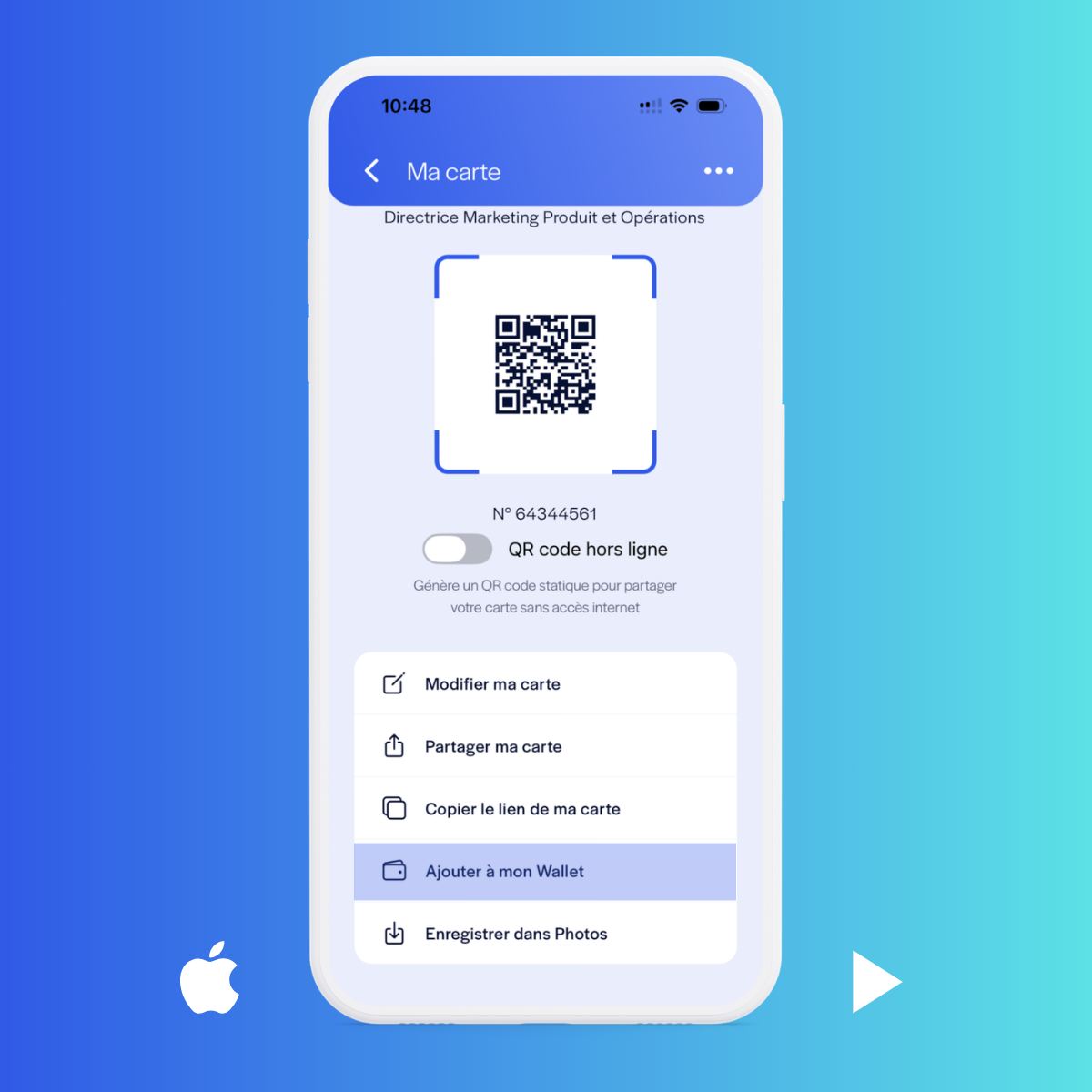
Étape 2 : option « Ajouter au Wallet » dans l’application WEMET
3.

Ready to share

Open your Wallet and show your QR code to share your contact details instantly, with no app for the other person to download.
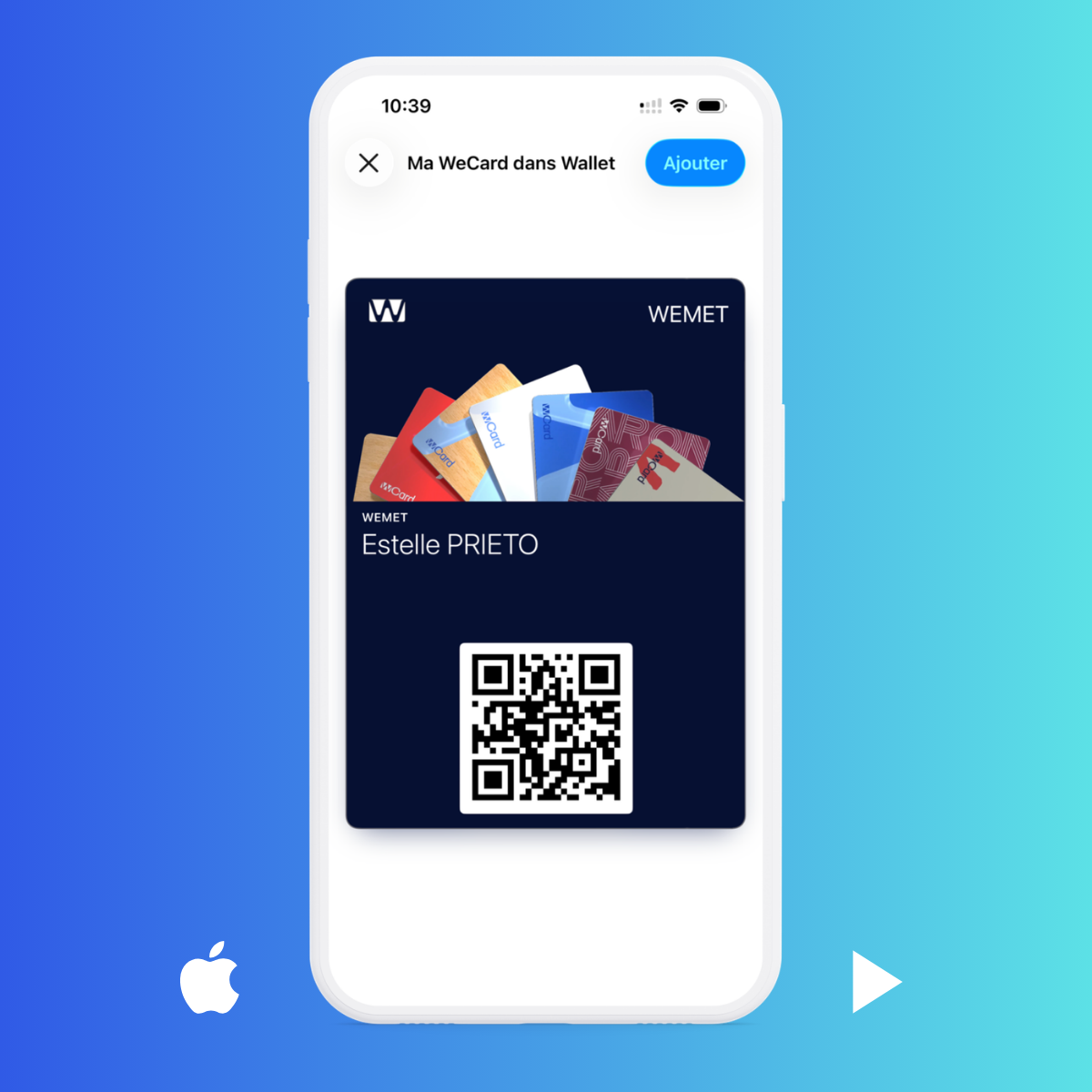
Étape 3 : carte de visite WEMET enregistrée dans Apple Wallet avec son QR Code
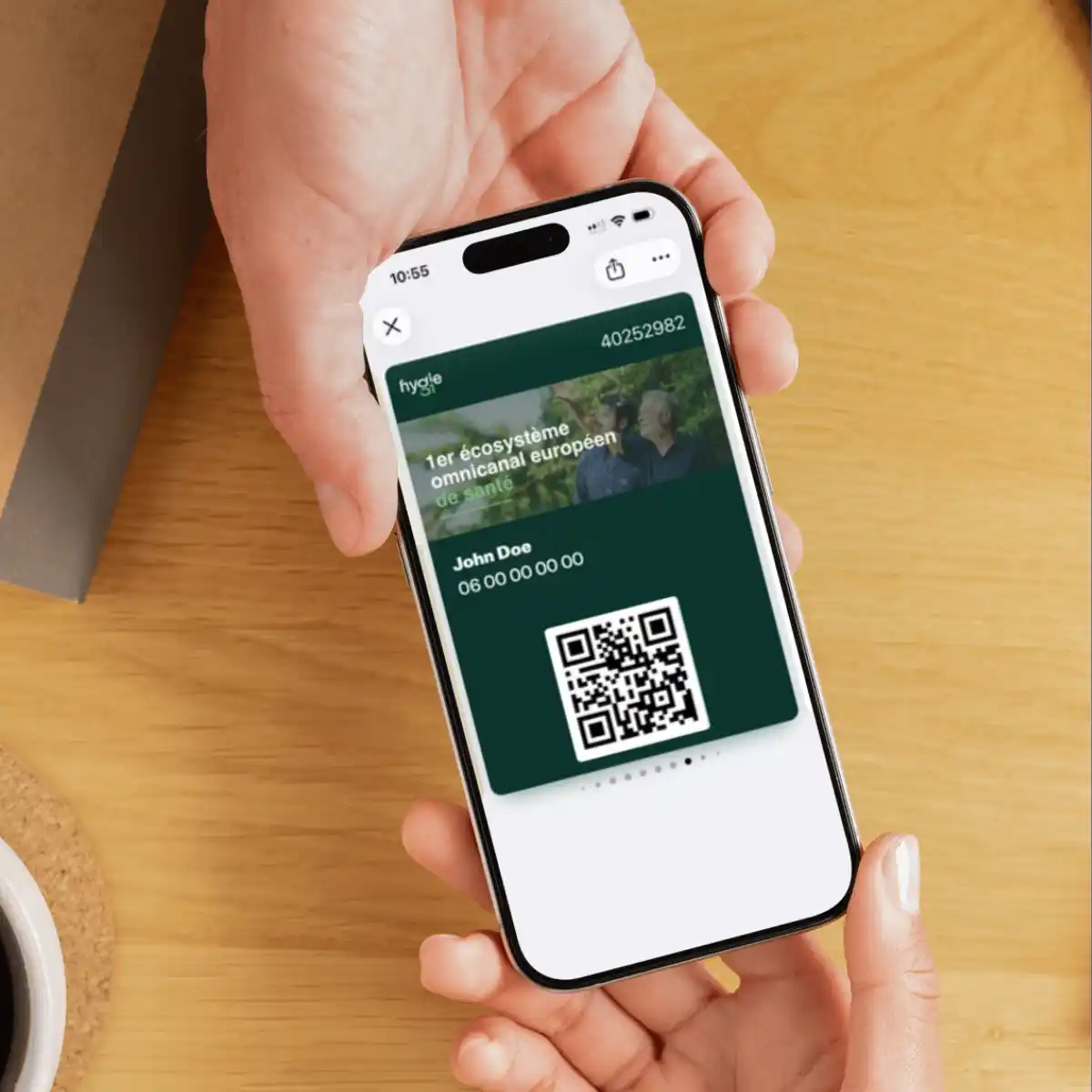
QR Code de la carte de visite WEMET affiché dans le Wallet d’un smartphone

A QR code always at your fingertips

Your phone is with you everywhere, and so is your business card. From Apple Wallet or Google Wallet, display your QR code and share your contact details in seconds.

No physical medium required
Accessible directly from your smartphone
No downloads required for your contacts
Create your digital card

A card that is always up to date

Update your job title, phone number, photo, links, or information from WEMET. Your digital business card stays up to date without needing to recreate or redistribute a new QR code.

Customize your Wallet card with your colors, logo, and visual identity.
Update your contact details at any time
Keep the same QR code, even when your information changes.
Your contacts will always have access to the latest version of your profile.
Get started
Modification des informations de la carte de visite dans l’application WEMET
Carte de visite NFC physique et sa version Wallet avec QR Code

With or without a physical card, your card stays with you

Choose the experience that suits you: use your physical WEMET card along with its Wallet version, or opt for a 100% digital business card, accessible directly from your smartphone.

Your Wallet card is included with every physical WEMET card.
Add your card to Apple Wallet or Google Wallet to keep it with you at all times.
Opt for a 100% digital card if you don't need a physical version.
Create your physical card

Turn every contact into an opportunity

Simplify, centralize and professionalize your communication today.
Cartes de visite NFC et application WEMET

Frequently asked questions about the Wallet card

How do I add my business card to Apple Wallet or Google Wallet?

Can I use WEMET with just the Wallet?

Is the Wallet included with a physical WEMET card?

How do I share my business card from my Wallet?

What is the difference between a digital business card and a Wallet card?