Scan a business card using AI
How does smart OCR scanning work?
The WEMET application uses intelligent OCR technology that can automatically recognize contact information.
The contact is immediately structured and ready to be enriched.
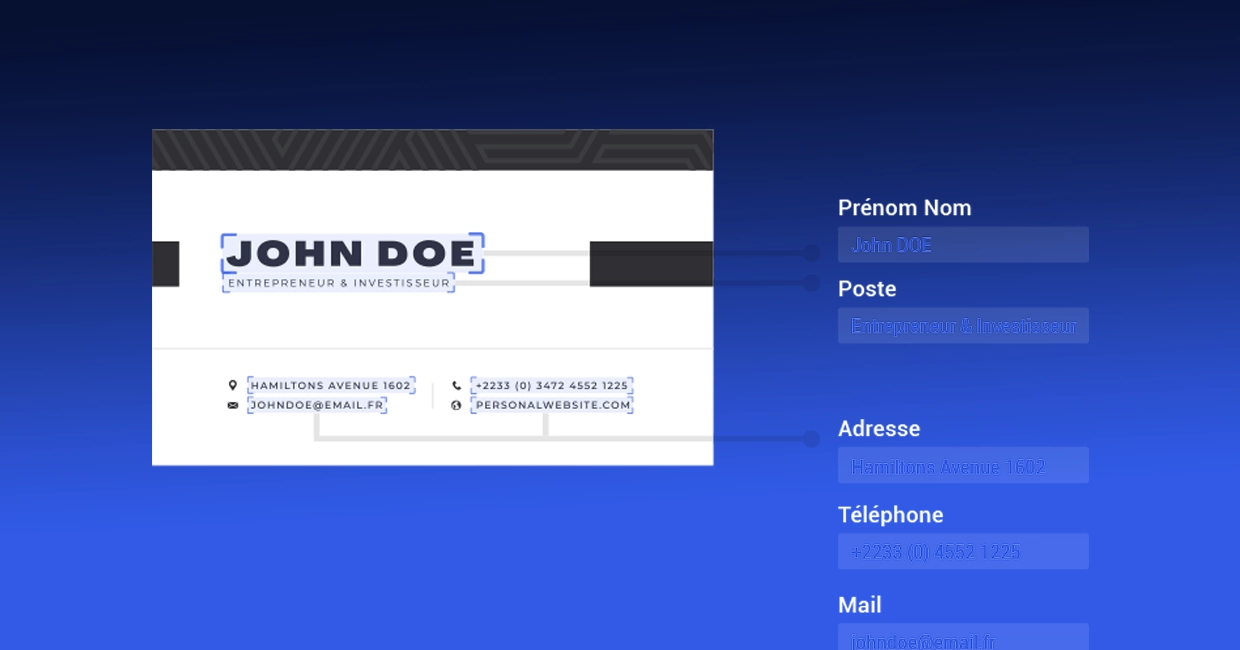
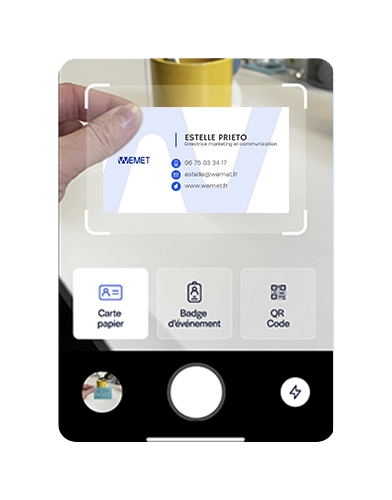
The WEMET application allows you to scan a business card or a lounge badge in a few seconds, automatically extract data using AI, then synchronize it with your CRM.

Scan a business card in seconds OCR extracts information and turns it into structured contact.
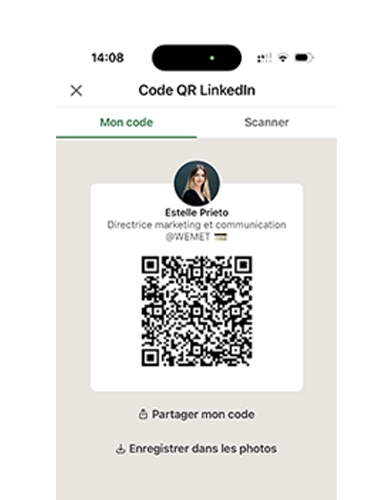
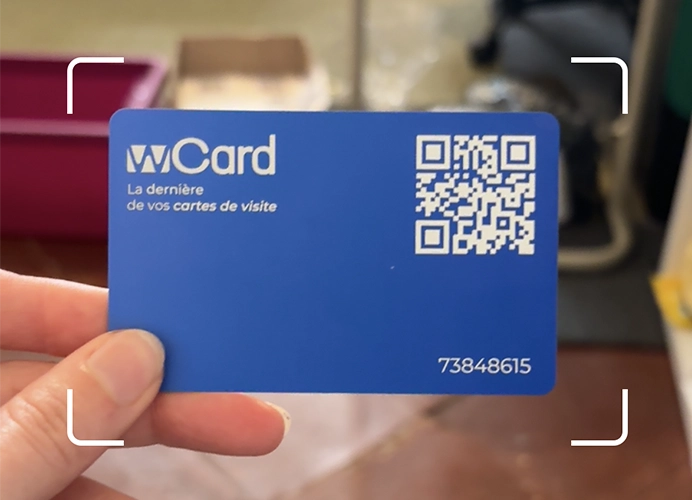
Paper business cards, event badges, LinkedIn QR codes, or NFC cards: capture all your contacts, regardless of the medium.
The AI analyzes your contacts, enriches the information and automatically generates tags to facilitate qualification and follow-up.
Record a voice note after a chat to create tags and reminders.
The WEMET application uses intelligent OCR technology that can automatically recognize contact information.
The contact is immediately structured and ready to be enriched.

Using an application to scan business cards allows you to:
- avoid manual contact entry
- reduce transcription errors
- relaunch prospects more quickly
- centralize leads from professional events
Sales, marketing and recruitment teams can thus transform each encounter into a measurable business opportunity.

Capture each contact in seconds and immediately trigger follow-up actions.

Centralize all the leads collected during your events and finally measure their real impact.

Scan, qualify, and segment your candidates in real time.

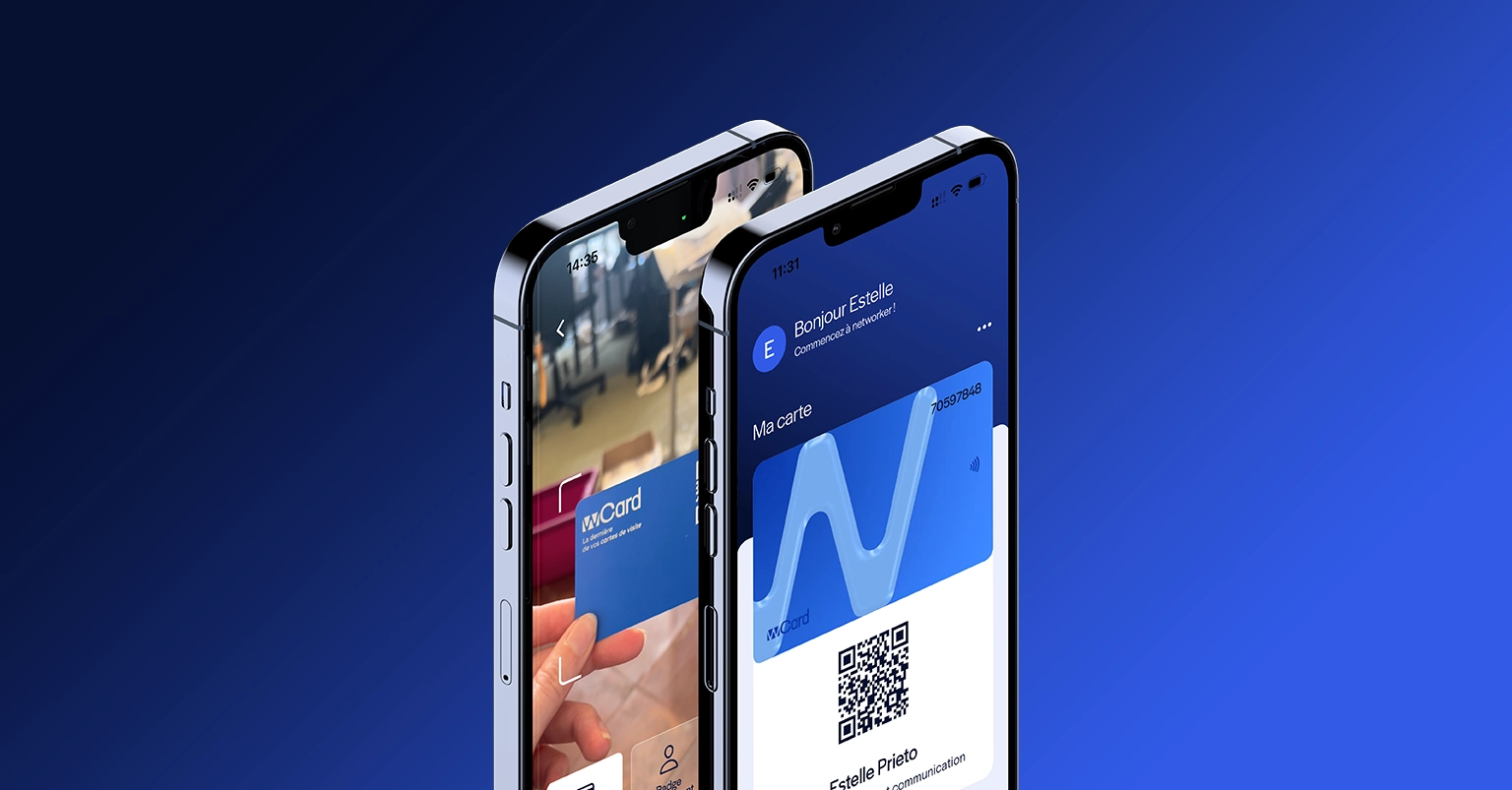
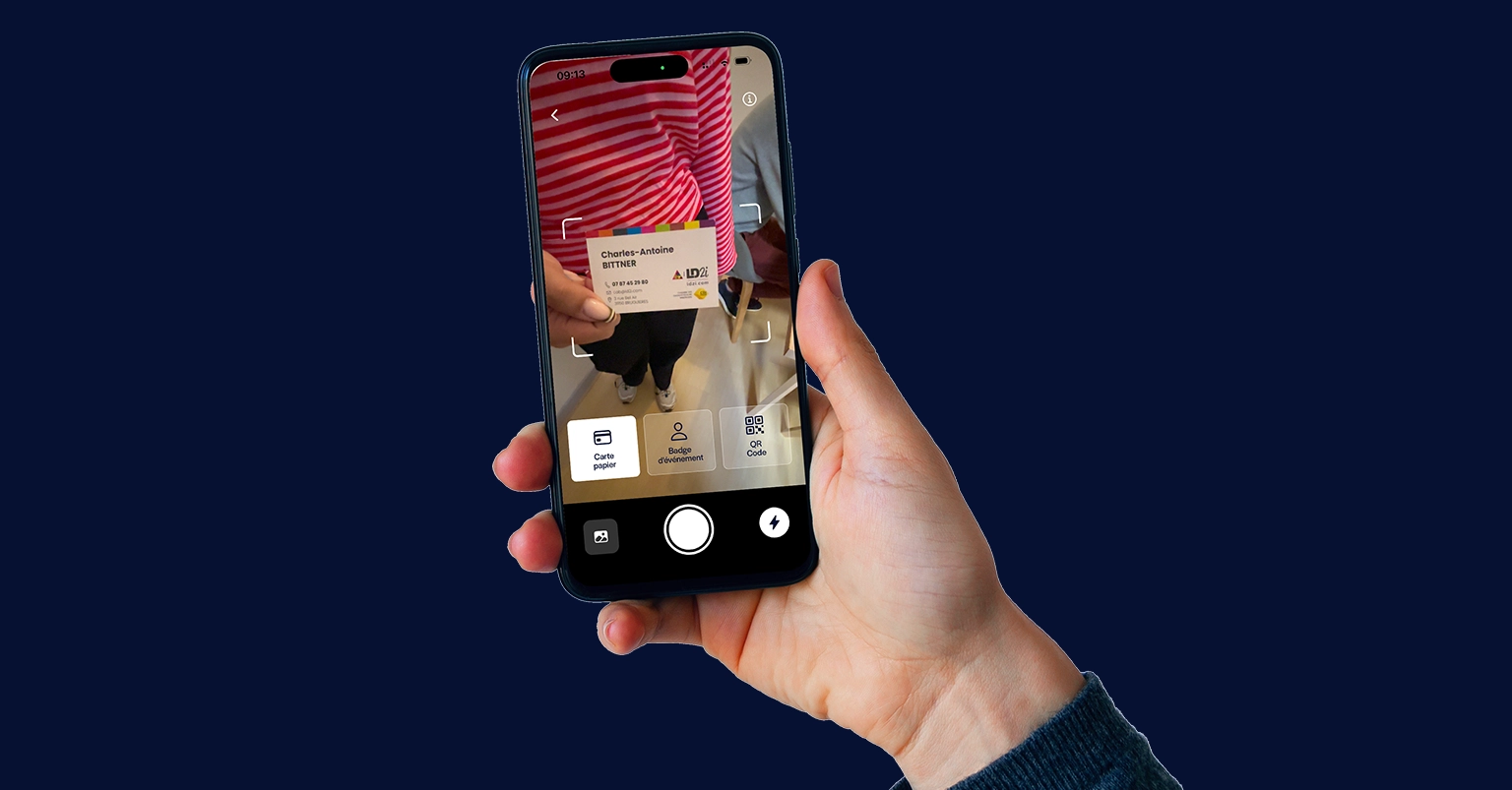
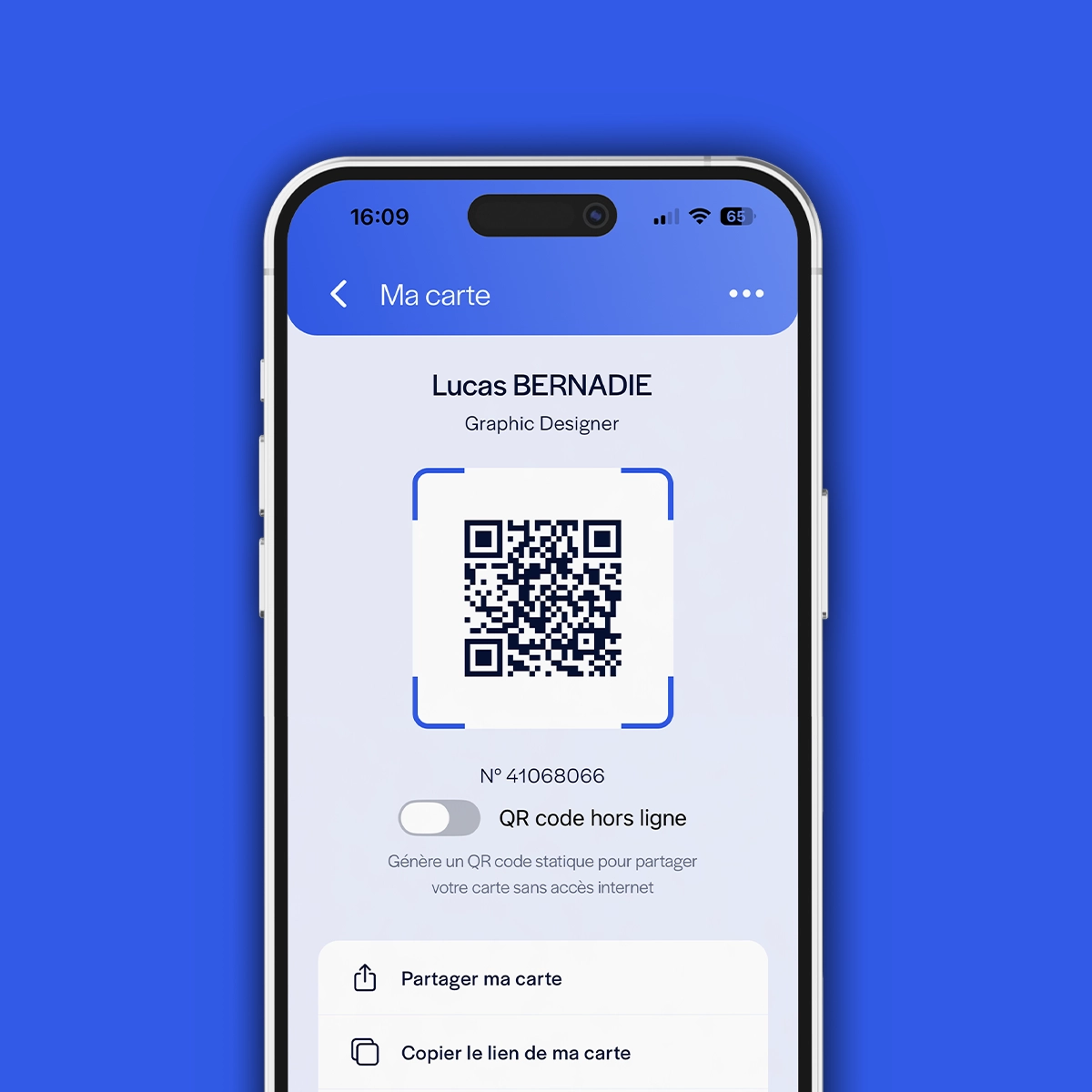
A business card application allows you to create, share and manage your professional contact details directly from your smartphone. Some applications also allow you to scan paper business cards, lounge badges, or LinkedIn QR codes to automatically capture contact information.
With the WEMET application, captured contacts can be enriched using artificial intelligence, qualified with tags and synchronized with your CRM to trigger commercial reminders.
To scan a business card with your phone, simply use the WEMET application equipped with OCR (optical character recognition) technology. The application analyzes the photo of the card and automatically extracts the information: name, company, email and telephone.
The WEMET application allows you to scan business cards in a few seconds and transform this information into usable contacts for your commercial follow-up.
The best application for scanning a business card is one that not only allows you to extract information, but also to use it effectively.
The WEMET application allows you to scan business cards, lounge badges, QR codes or NFC cards. Thanks to AI, contacts are automatically enriched, qualified, and ready to be synchronized with your CRM to trigger follow-up actions.
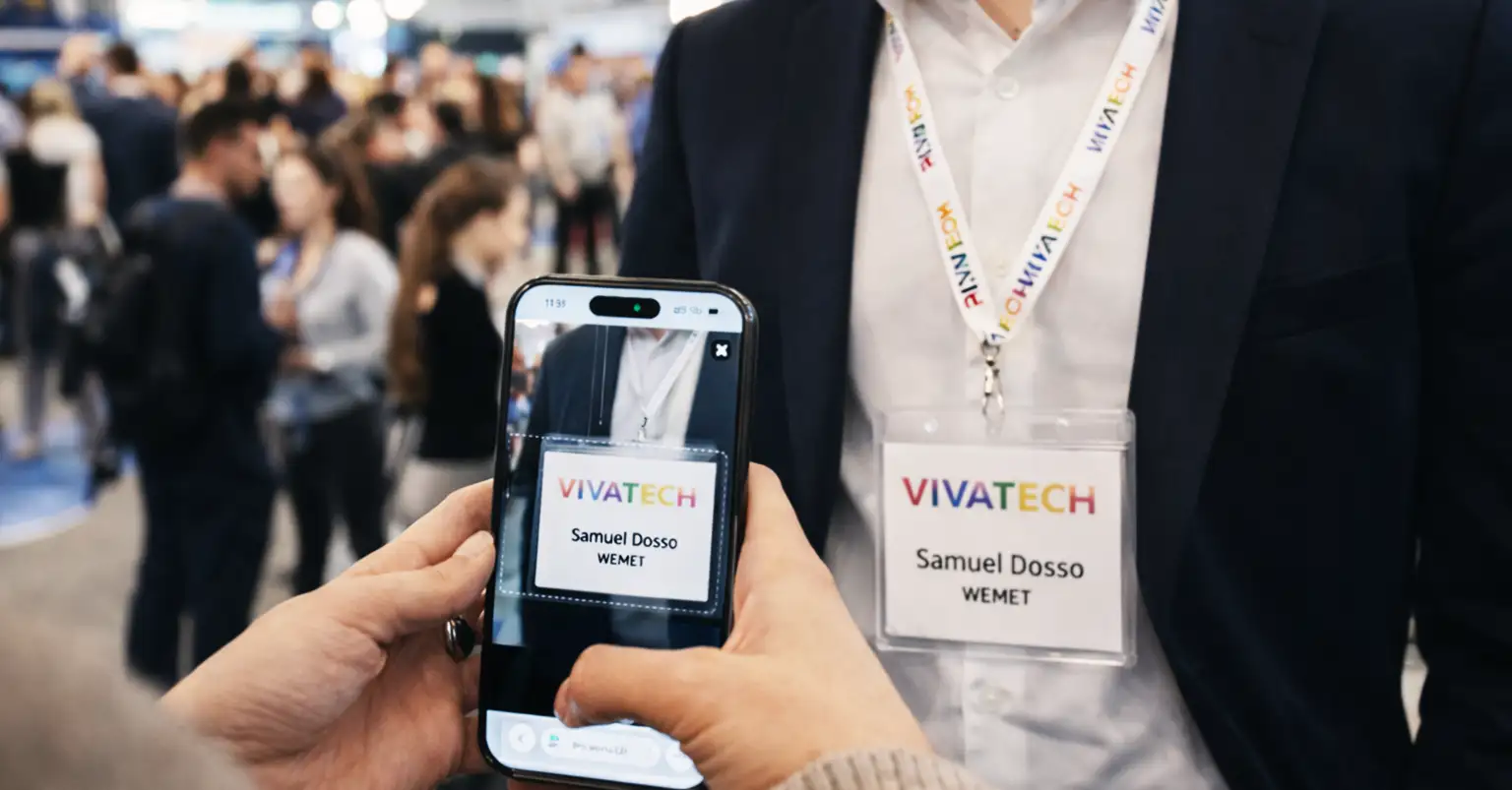
Yes, with the WEMET application you can scan the badges used at trade shows, conferences or networking events in order to quickly capture prospect information and integrate it directly into your contact base.
Using an application to scan business cards allows you to avoid manual contact entry and centralize all leads in a single tool.
With the WEMET application, each scanned card becomes a structured, enriched contact that is ready to be relaunched. Sales, marketing or recruitment teams can thus transform each encounter into a measurable opportunity.
To convert a business card into a contact, simply scan the card with the WEMET application using OCR technology.
The application analyzes the card and automatically transforms the information into a contact form: name, company, telephone, email and function.
With WEMET, this information can then be enriched, classified with tags and integrated into your contact database or CRM.
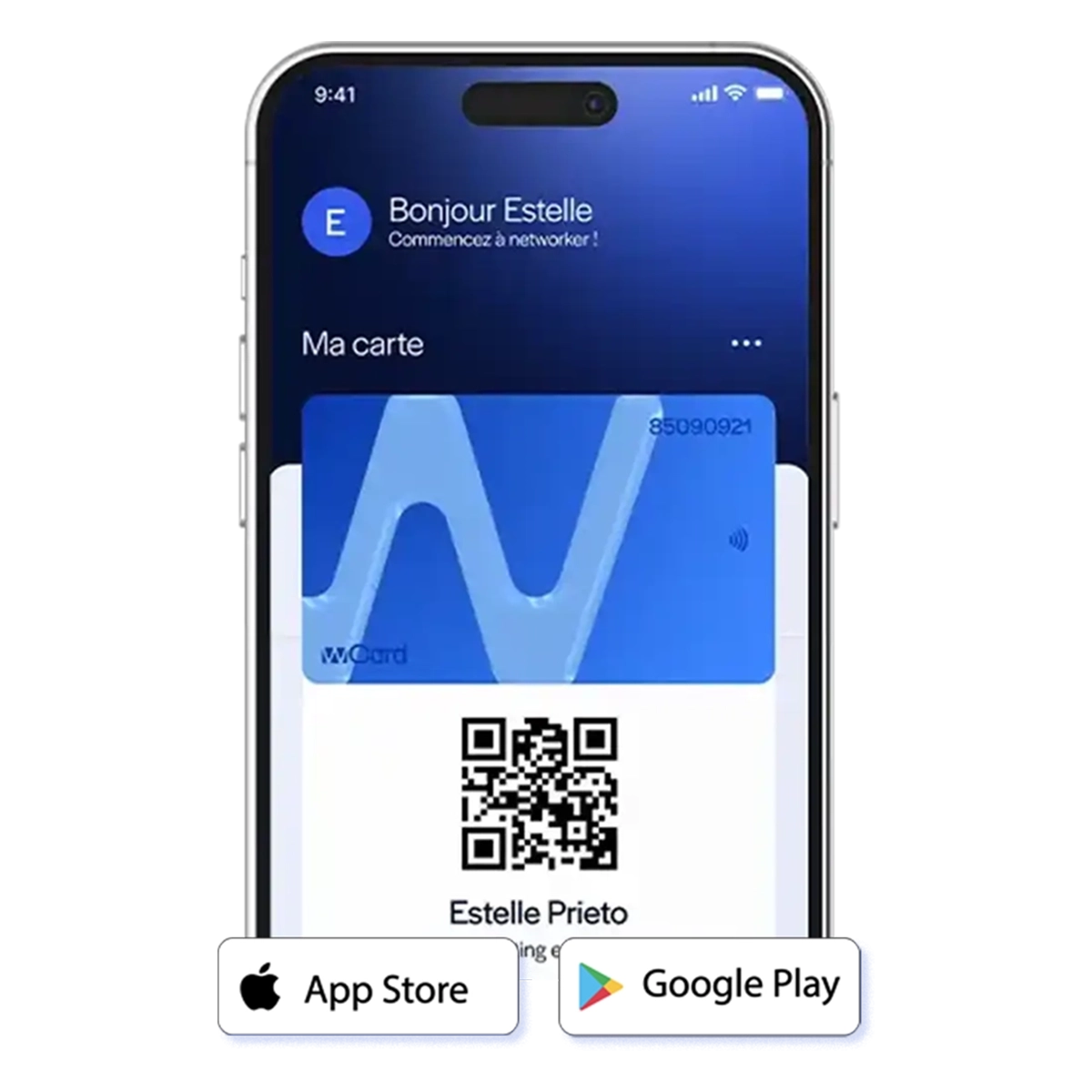
The WEMET application available on iPhone and Android makes it possible to scan business cards and transform this information into usable contacts.
Business card scanning applications use the phone's camera and OCR technology to automatically recognize information on the card.
To import a business card into a CRM, simply scan the card with an application that can extract the information and synchronize it with your sales management tool.
Once the card is scanned, the information can be automatically sent to your CRM in order to create a contact or a lead.
With the WEMET application, captured contacts can trigger tasks, reminders, or business workflows in your CRM.
OCR business card scanning works thanks to optical character recognition.
When you take a photo of the card, the app analyzes the image and automatically detects important information: name, company, email, phone, and function.
This information is then structured to create a usable contact.
The WEMET application uses this technology to instantly transform a business card into a contact ready to be exploited commercially.