Meet New

À lire aussi
.png)
Marketplace, Waalaxy integration, offline AI scanner, badge folders, multilingual app... WEMET is opening up to your ecosystem this month. Discover all the new features and our tips for getting the most out of them.

What are the functionalities of an NFC business card and how can they transform your professional exchanges?
New platform, AI scanning and enrichment, voice transcription, Tap Experience... WEMET has a fresh new look this month. Discover all the latest updates and our tips for getting the most out of them.

.png)
WEMET has a new look. With simplified navigation, team-based management (sales, marketing, product, executive, etc.), and the ability to create card templates in just a few clicks, our goal is to make administration as easy for 2 employees as it is for 200.
💡 Pro tip: If you manage multiple departments, take 10 minutes to reorganize your teams under "My Team" before deploying a new card template. This saves you from having to fix the structure later, once the cards have already been ordered.
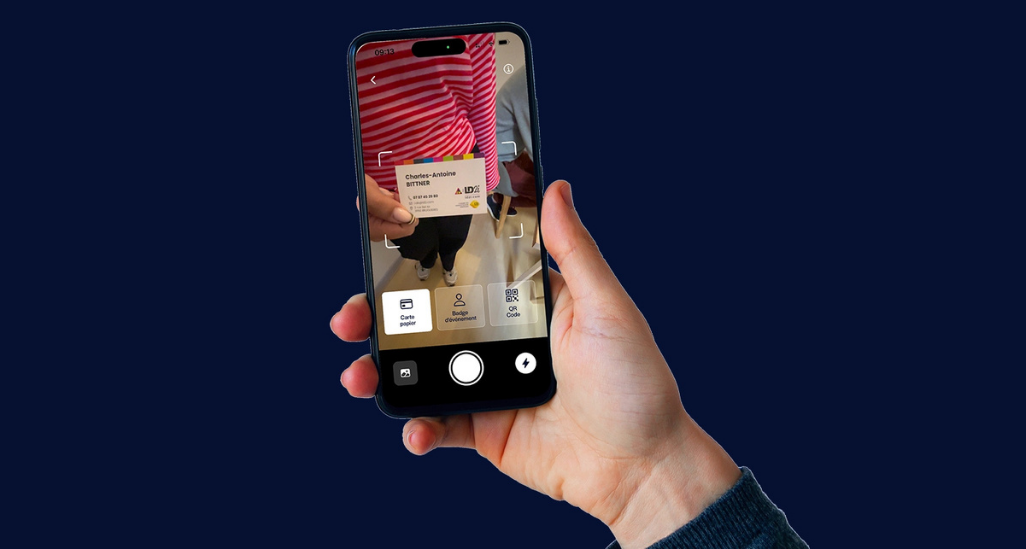
No more manual data entry. A photo of a paper business card, taken directly from the app, is now all it takes to create a complete digital contact. Our secure AI extracts the name, job title, phone number, email, and company, then syncs everything with your tools (CRM, WEMET contact list).
💡 Pro tip: At a trade show, scan the card immediately after the exchange rather than at the end of the day. Handwritten details (annotations, context of the meeting) will stay fresh in your memory, and you can add them as a note right after scanning.
Learn more:
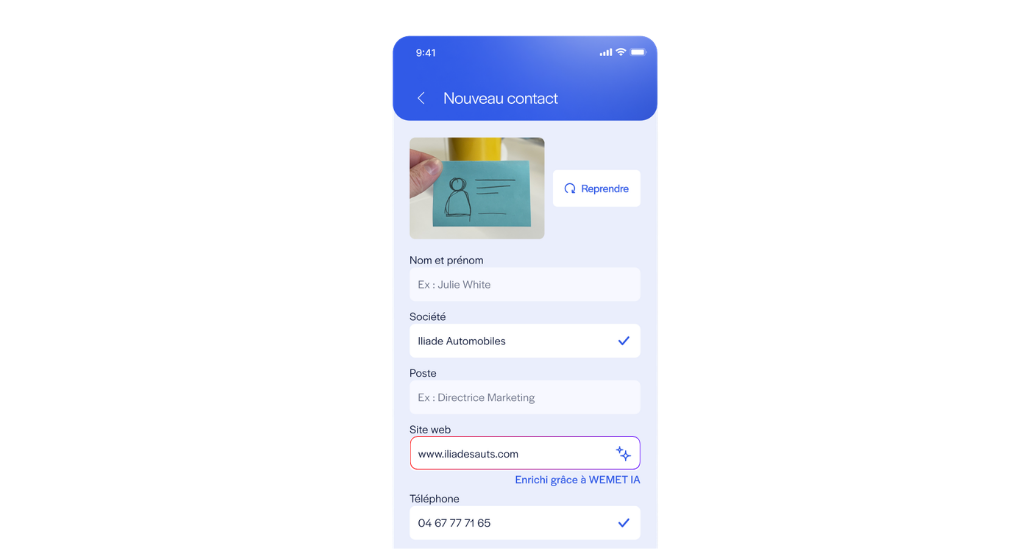
With just one piece of contact information provided, WEMET AI searches for available data on the person and their company to automatically complete the contact profile. This is the first building block of an AI that will continue to grow in the coming months. We're just getting started!
💡 Pro tip: Always enter the company website as soon as you capture a contact (via scan, form, or event badge): it is the key data point for full enrichment.
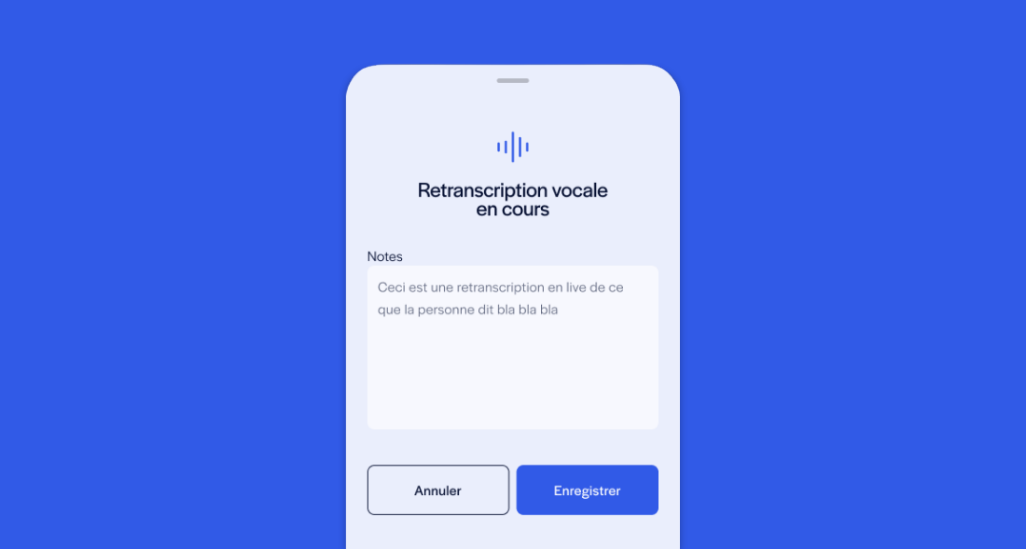
After a meeting or a chat at a booth, dictate your impressions out loud directly into the app: the AI transcribes them into a contact note, so you don't have to type a thing.
Pro tip: Keep your dictation short and structured: meeting context, expressed need, and next steps. These three pieces of information are enough to make your future follow-ups much more relevant than just "Nothing to report, follow up later."

The form displayed upon scanning or tapping is now customizable: add text fields, dropdowns, or checkboxes (industry, budget, event source, etc.) to qualify your leads from the very first second.
Pro tip: Don't overload the form: beyond 3-4 mandatory fields in addition to name/email, completion rates drop significantly at trade shows where people are standing with a drink in hand. Reserve additional fields for information that truly changes your sales follow-up.
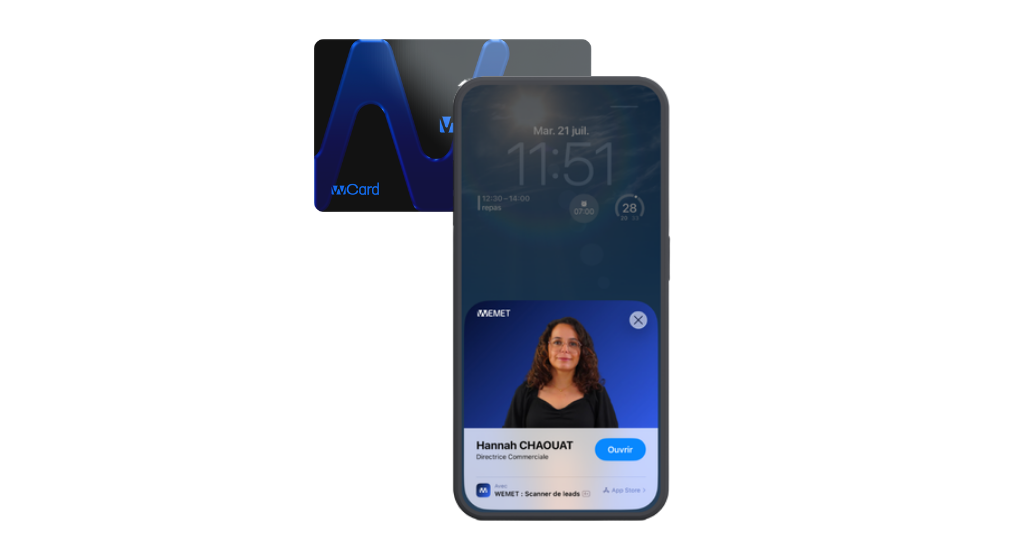
When someone taps your WeCard, they no longer see a generic iPhone notification: they discover an experience that reflects your brand, with your logo, colors, and visual identity, directly from the lock screen.
Pro tip: Think of the Tap Experience as a mini visual business card: a professional photo, a clear job title, and a single call-to-action button ("Open my profile") are enough. Too many elements dilute the "wow" factor you're aiming for at the moment of the tap.
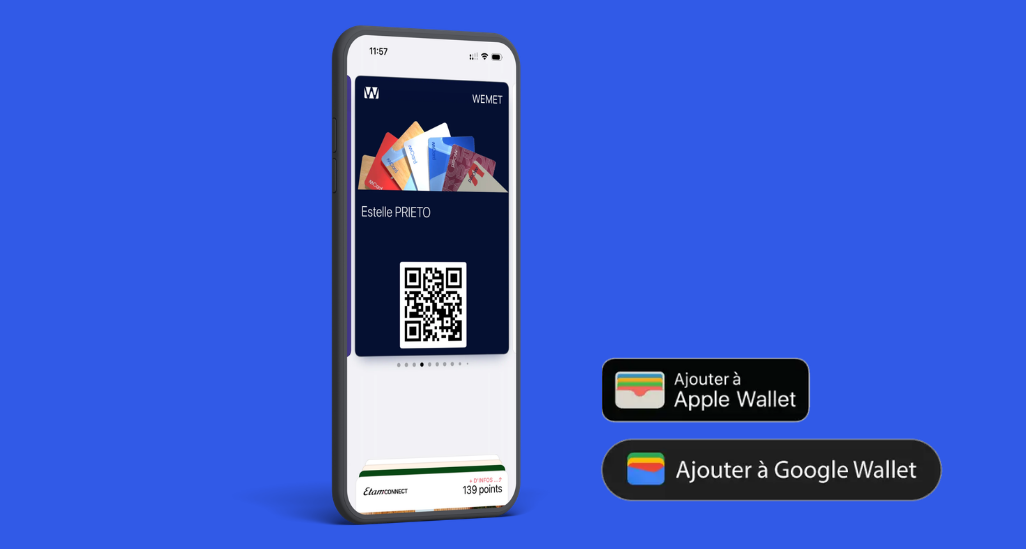
Customize your WEMET card from the platform and add it to your Apple Wallet or Google Wallet, right alongside your credit card or boarding pass. The result: it's accessible from your lock screen without opening any apps, even offline.
Pro tip: This is the best option for impromptu meetings (in an elevator or after a meeting): a gesture from the lock screen is faster than unlocking your phone and searching for an app. Keep the app for management and statistics, and use the wallet for express sharing.
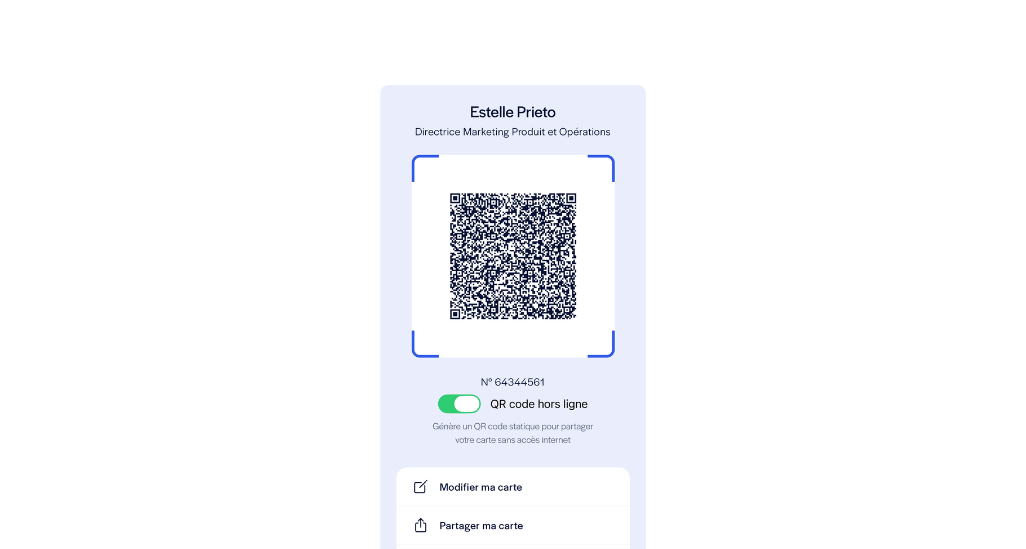
With offline QR code generation on the WEMET mobile app, you no longer need an internet connection to share your business card. The QR code is generated directly on your phone and remains accessible in any situation: parking garages, airplanes, remote rural areas, or simply when you've run out of data at the end of the month. Just open the app, display your QR code, and have the other person scan it; they will gain access to your profile as soon as they are back online.
💡 Pro tip : Remember to open the app once before heading to an area with poor coverage (airplanes, basement event venues, rural areas). The QR code is generated locally, so there is nothing to "preload," but it is always a good idea to ensure your app is up to date before you leave to avoid any last-minute surprises.