Marketing and sales

À lire aussi
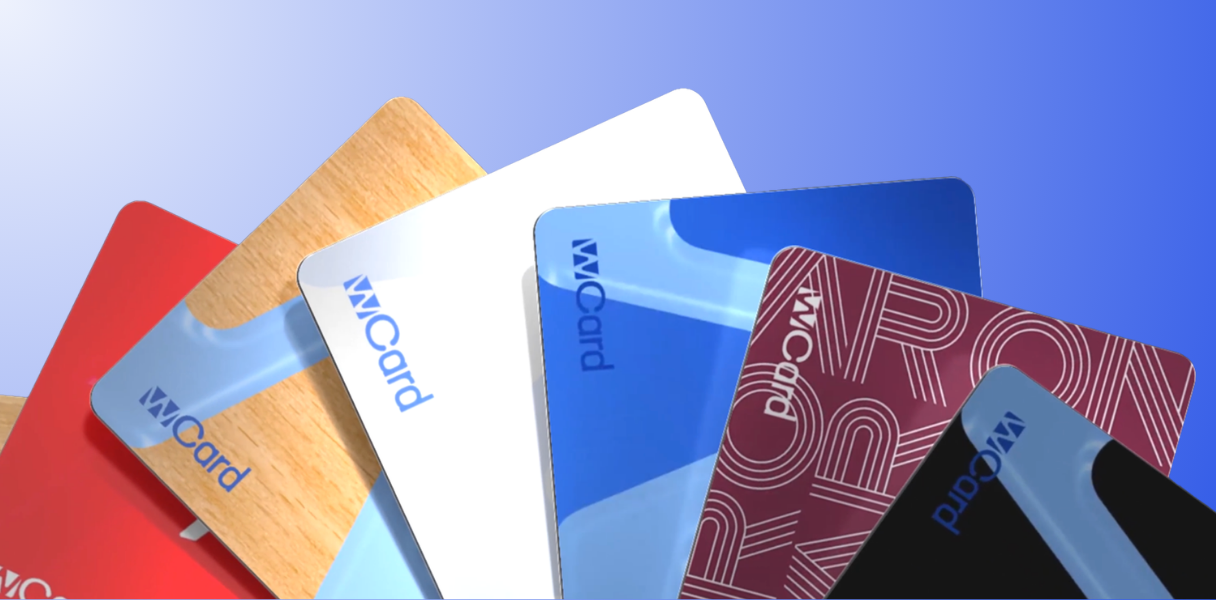
The printing price is just the tip of the iceberg: 7 hidden costs that drive up the real bill for your business cards.
.png)
Marketplace, Waalaxy integration, offline AI scanner, badge folders, multilingual app... WEMET is opening up to your ecosystem this month. Discover all the new features and our tips for getting the most out of them.
Our “My Favorite Widget” web series allows you to discover what each widget in our connected business cards is used for, and gives you ideas on how to best use them. Whether you are a future customer or a user of our solution, you will be able to discover how to maximize the functionalities of your connected business card. Follow our web series to get the most out of your WeCard Pro!
For a salesperson, the Making an appointment is a key element in prospecting. However, without having an easily searchable online calendar, prospects and customers cannot make appointments.
With your business card connected in NFC, you can offer an easy and effective solution. To make it easier to book an appointment, you can add a widget “make an appointment” on your WeCard. Thanks to this customizable feature, your interlocutor can simply choose a date to arrange an appointment.
With the WeCard, you can make it easy to book appointments with your company.
To add your online calendar to your NFC business card, follow these simple steps:
By following these steps, you can optimize your appointments using the NFC business card, thus offering a practical and effective solution for your prospects and customers.
anna, Business developer, presents us with his favorite widget. It's the online calendar, quite simply because it makes it easier to make appointments. For example, when she participates in a trade show and meets future prospects or customers, she simply swipe her card behind their phone so that they can choose the slot that suits them according to her availability. Regardless of which online calendar you use, the widget is fully customizable. All you have to do is copy/paste the link from your online calendar and insert it into your widget. We use Calendly, but it also works with others like Hubspot or Asana.