Marketing and sales
À lire aussi
The printing price is just the tip of the iceberg: 7 hidden costs that drive up the real bill for your business cards.
.png)
Marketplace, Waalaxy integration, offline AI scanner, badge folders, multilingual app... WEMET is opening up to your ecosystem this month. Discover all the new features and our tips for getting the most out of them.
Three days at a trade show, dozens of meetings, and upon returning: a pile of business cards cluttering the desk. Some unreadable, others already lost at the bottom of a bag.

Post-trade show follow-up is often where the hottest leads go cold simply because no one has the time to manually re-enter everything. Here is how to quickly process the cards you already have and how to never go through this again at your next event.
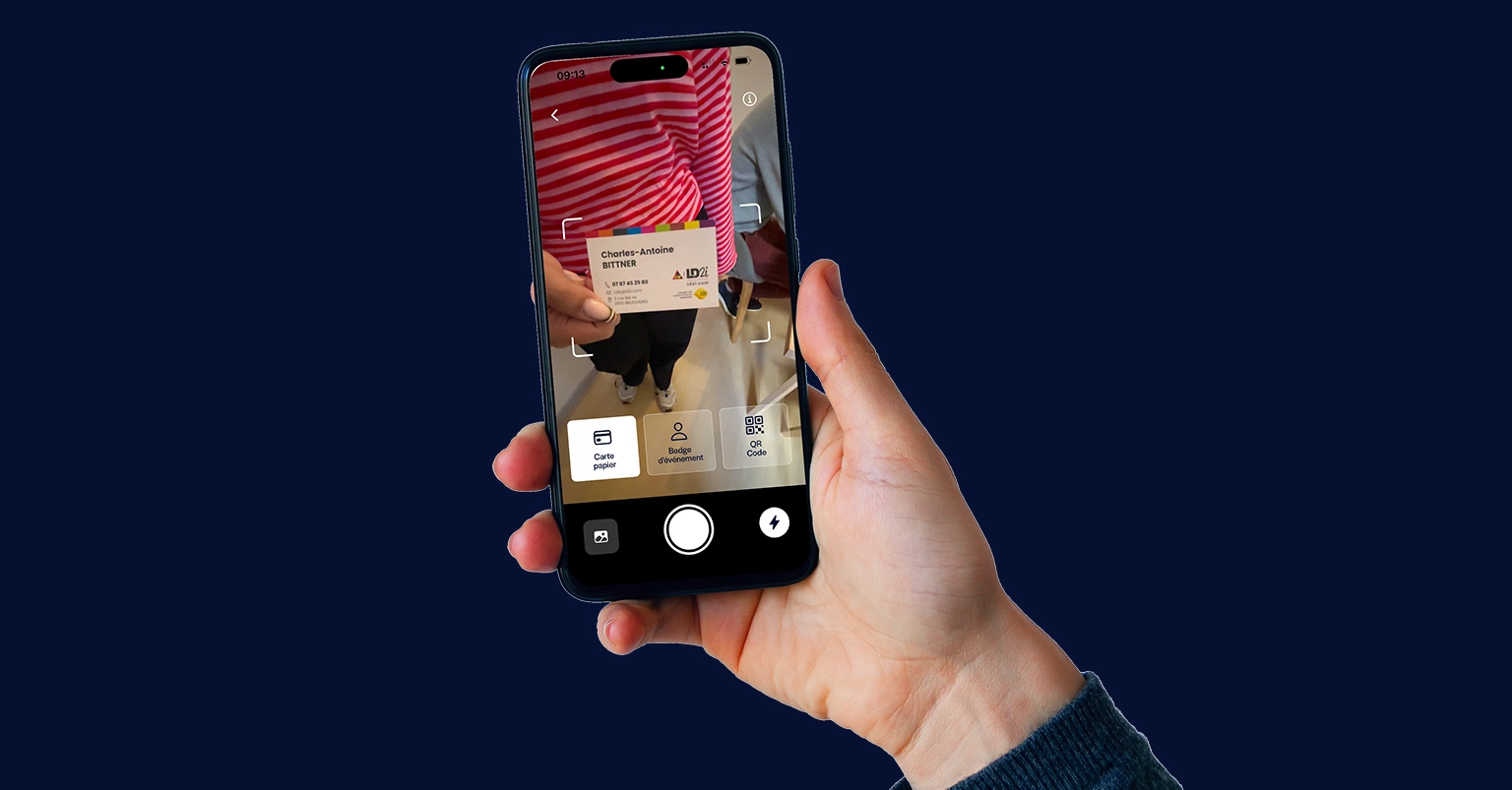
No need to re-enter each card by hand. The WEMET app includes its own AI scanner: open the app, take a photo of the card, and the optical recognition automatically detects the name, company, phone number, and email to generate an exportable digital contact in seconds.
Three tips for error-free scanning:
For a detailed scanning protocol, see our complete guide to scanning business cards with your phone.
Scanning after the fact is just a band-aid. The real issue is that every trade show follows the same cycle: paper collection → manual sorting → data entry → and a portion of the cards that will never be processed, simply due to a lack of time.
31% of business cards collected at professional events are never followed up on. Not for lack of interest, but for lack of a process.
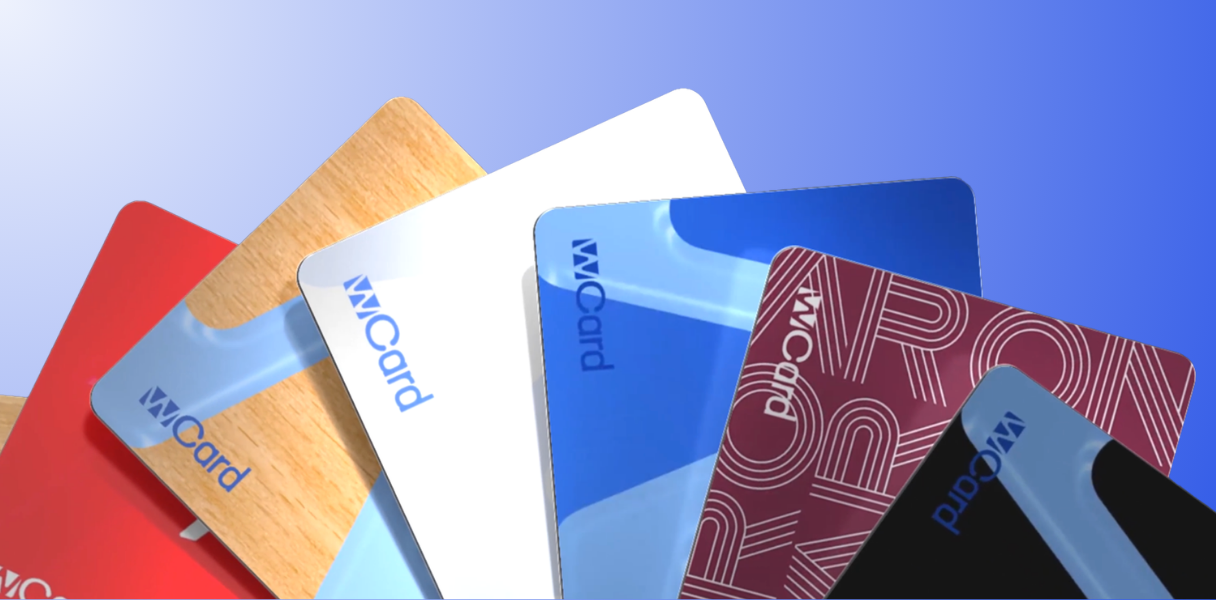
That is exactly what changes the WeCard smart business card. Instead of handing out paper cards that your contact will have to scan or re-enter, you scan their contact details directly via the WEMET app, which syncs in real time with your CRM.
In practical terms, at your next trade show:
No more piles of cards. No more manual data entry. No more leads lost in a desk drawer.
Not all scanning apps are created equal: OCR accuracy, CRM integration, offline capabilities... We compared the 5 most popular solutions in 2026, including WEMET, in our comparison of the best business card apps.
Calculate how much you could save by switching to a smart card: get your results in 30 seconds.
Use the WEMET app: take a photo of each card, and the AI will automatically extract the information and generate a digital contact that can be exported in seconds.
The app allows you to scan an unlimited* number of business cards, badges, or LinkedIn QR codes, with automatic data enrichment and native CRM export, making it suitable for both individual use and entire sales teams.
*With a subscription
The best method is to capture contacts in real time during the event using an NFC-connected business card that syncs directly with your CRM, rather than having to sort through paper cards afterward.